
Salon / Spa
Skin clinic booking software for treatments and courses
Glow up your business, not just your clients
Skin clinic booking software for treatments and courses has to follow a client from a first skin consultation through a course of six peels four weeks apart, then bring her back for maintenance. BizBrew books the consultation online with a skin history form and signature, sells the course as a package that counts down with each visit, and books the next session as a recurring series before she leaves. Reminders and book-again emails keep the gaps between sessions right, and on Growth you can sell the products you recommend and offer a monthly facial membership.
Which modules and limits you get depends on your business type and plan — see pricing
Skincare Clinic is part of our Salon / Spa platform. View Salon / Spa features
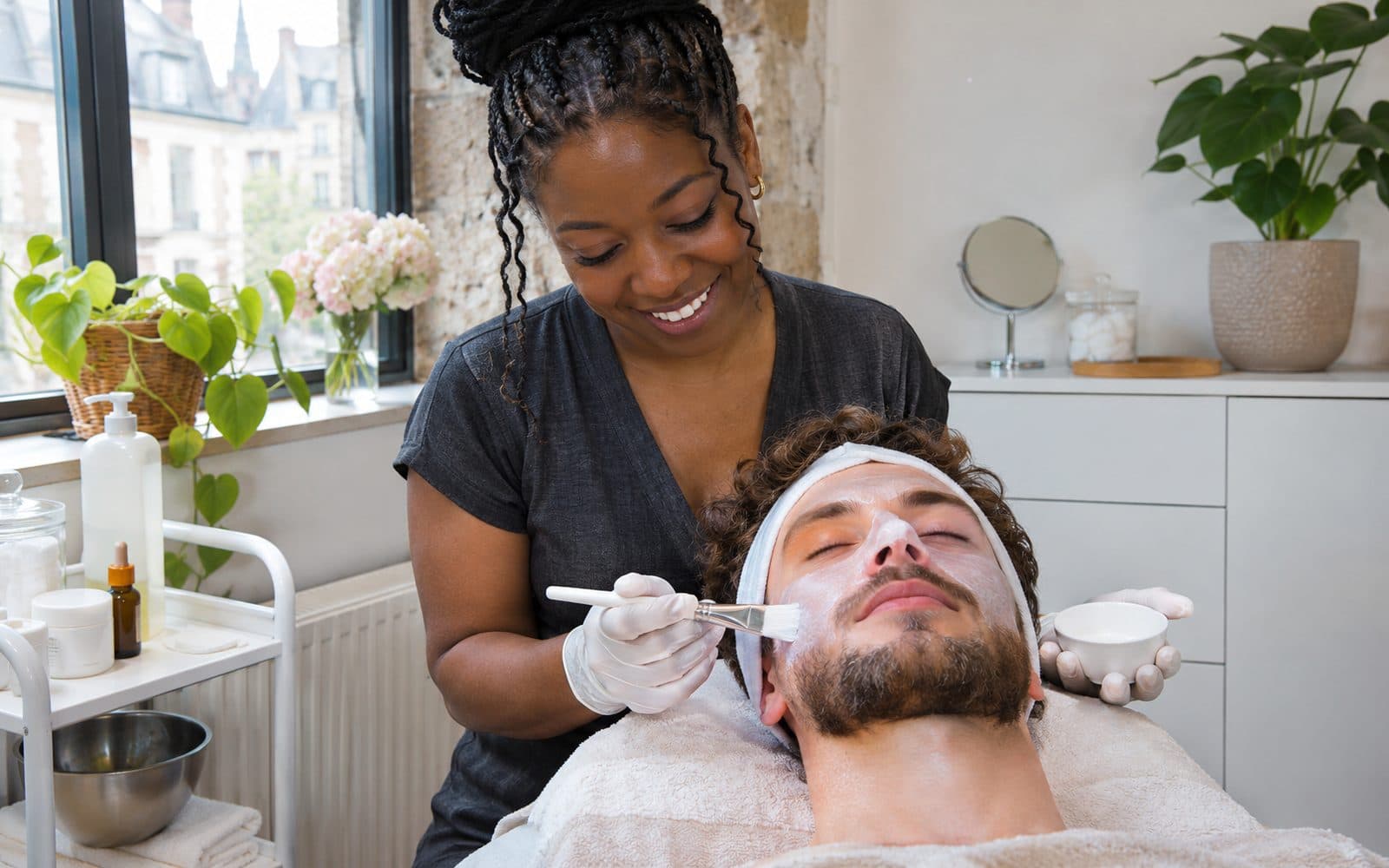
How it works
1. Start with a skin consultation
Create a 45-minute Skin Consultation and attach an intake form covering skin type, current products, retinoid use, sun exposure and medical conditions, with a signature field. Clients answer it when they book online. Responses on the form shows the history before the consultation starts.
2. Sell treatment courses as packages
Create a package such as Peel Course with six sessions, a validity of 180 days and the peel treatment ticked as covered. Grant it to the client with a payment reference, or let her pay at the desk. The Holders list shows each client's remaining peels and the date the course expires.
3. Book the course in one go
From the booking screen, tick Make this a recurring booking, choose weekly with an interval of four and end after six occurrences. Every session is in the diary before she leaves. Edit This Occurrence moves one date without touching the rest of the course.
4. Allow time to reset the room
Add a 15-minute Buffer After to peels and microneedling so the therapist can clean up and note the treatment. Clients booking online only see times that include the buffer, so the next client is never waiting while the bed is changed.
5. Bring clients back for maintenance
Turn on book-again reminders a set number of days after a completed visit, for example 35 days after a facial. Win-back reminders go to clients who have not visited for a while and agreed to marketing. Each reminder links back to your booking page.
How BizBrew works for Skincare Clinic
Every Skincare Clinic business gets the full Salon / Spa toolkit — 12 modules pre-configured with the tools and workflows your business needs.
Treatments & Services
List every treatment you offer — haircuts, colours, massages, facials, nails, waxing. Set duration, price, and which staff members can perform each service. Clients browse and book exactly what they need.
Appointment Booking
Clients book appointments online 24/7 or walk in. Your calendar shows real-time availability per stylist or therapist. Send automated confirmations and reminders to reduce no-shows.
Client Profiles & Preferences
Remember every client's colour formula, preferred stylist, sensitivities, and visit history. Staff can review notes before each appointment so the client feels remembered and valued.
Staff Rosters & Availability
Create weekly rosters showing which stylists and therapists are available, including break times and blocked personal hours. Clients can only book with staff who are actually on shift.
Stylist & Therapist Management
Manage your team with individual profiles, specialisations, and performance tracking. See each stylist's bookings, revenue contribution, and client feedback. Assign new clients based on expertise.
Loyalty & Membership Plans
Create VIP memberships, prepaid treatment packages, or monthly beauty subscriptions. Reward loyal clients with exclusive discounts. Track package usage and renewals.
Service Pricing & Promotions
Set base prices, run promotions, and offer first-visit discounts. Give each stylist a level (junior, senior, master) and each service a price per level; a booking is priced at its stylist's level.
Visit Tracking
Track client visits automatically when they check in. Monitor no-shows and late arrivals. Use attendance data to identify your most loyal clients and those who need a re-engagement nudge.
Retail Products
Sell retail products alongside your services — shampoos, styling tools, skincare. Track inventory, set prices, and recommend products to clients based on their treatments.
Salon Supplies
Track professional supplies — hair colour tubes, massage oils, nail polishes. Know what you have, what you need to order, and control costs by monitoring usage rates.
Checkout & Payments
Process payments for services and retail together at checkout. Take part payments by card and cash and generate digital receipts, and record a tip for the stylist with the payment: each stylist's tips are in a report. All integrated with your financial reporting.
Events & Workshops
Host beauty workshops, product launch events, or bridal preview evenings. Manage registrations, collect fees, and send event communications to build community around your brand.
Why BizBrew for your business (Skincare Clinic)
Pre-configured for your industry
Modules and workflows designed specifically for Skincare Clinic businesses — no generic one-size-fits-all setup.
Quick to start
Sign up, pick your business type and follow the guided setup. No technical skills or IT team required.
Grow at your own pace
Start with 2 free months, then choose the plan that fits. Paid plans can be cancelled at any time.
All-in-one platform
Stop paying for 5 different tools. Scheduling, CRM, payments, and analytics in one place.
Your brand
Add your logo and colours to your booking site and customer portal. Connecting your own domain is included in the Pro plan.
Secure by design
Strict separation of each business's data, encrypted connections and role-based access control protect your business data.
Frequently asked questions
Can I make clients have a consultation before a peel?
How do treatment courses count down?
Can I sell skincare products after a facial?
What does a skin clinic pay?
Can I reduce no-shows on long treatments?
Can a monthly facial be part of a membership?
Is BizBrew really built for Skincare Clinic businesses?
Can I start using BizBrew for free?
Client details, skin questionnaires and signed consent are hosted in the EU. Mark custom fields on medication and skin conditions as sensitive so only front desk, clinicians and admins can read them, and handle data requests with Export client data and Erase client. Which treatments a beauty therapist may perform, and which need a doctor or nurse, differs by country, so check local rules before offering peels, microneedling or injectables.



Ready to transform your business (Skincare Clinic)?
Start your 2 free months and explore the modules your plan includes — no credit card required. Modules and limits depend on your industry and plan.